Crypto Casino Slots On Phone vs. PC: How I Get Smooth Sessions Without Distractions
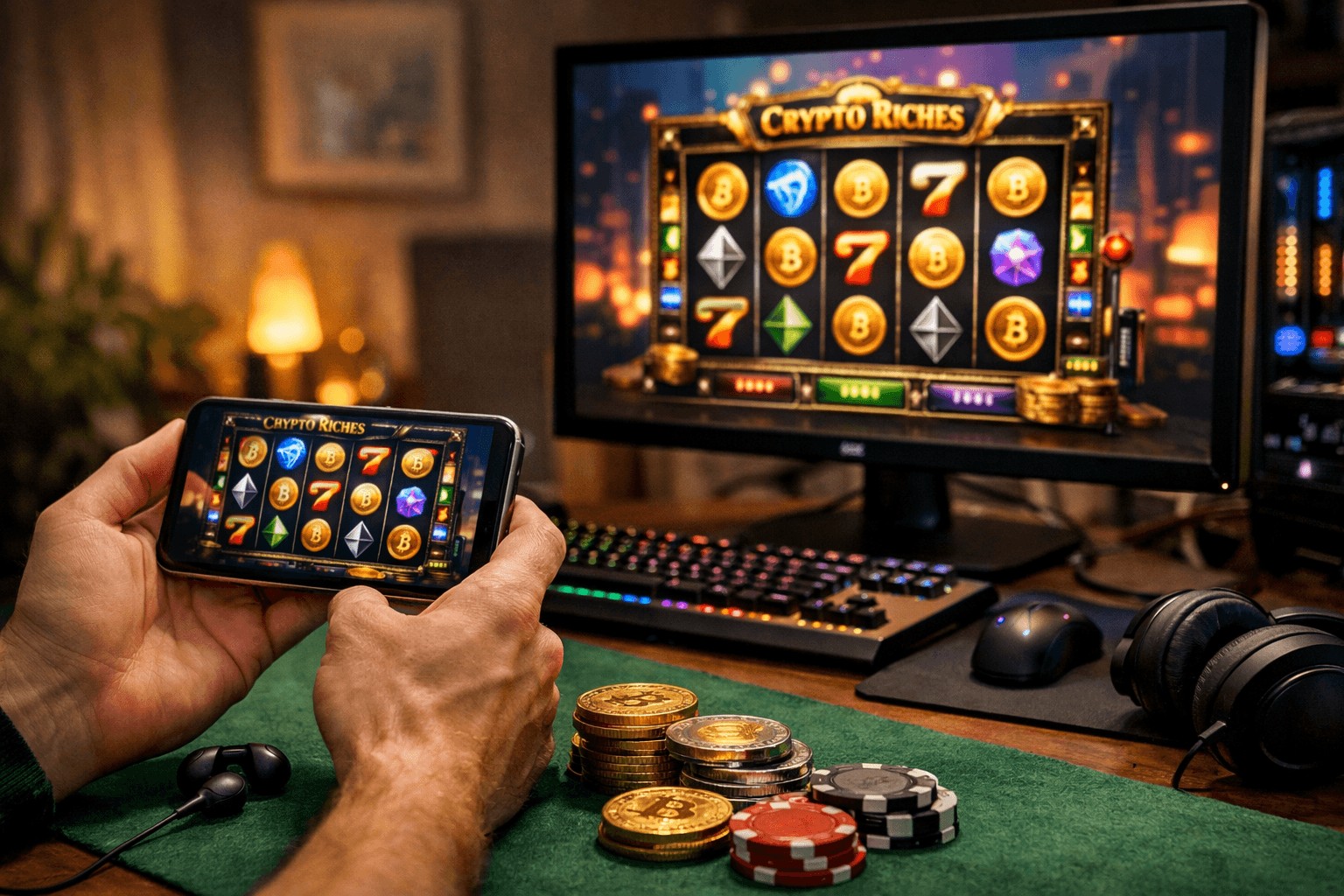
Have you ever opened a crypto slot on your phone for “one quick spin”… then looked up and realized you’ve been half-playing, half-replying to messages, and your battery is suddenly at 12%?
That exact mess is why I started treating “slots time” like a tiny setup ritual. Not because I want to be dramatic—because smooth play is the difference between feeling in control and feeling like the game (and your device) is dragging you around.
When I review crypto casinos and slot platforms, I’m not only looking at RTP claims and game providers. I’m watching for the stuff that quietly ruins sessions: lag spikes, random reloads, wallet connection hiccups, and the distraction loop that turns a calm spin into chaos.
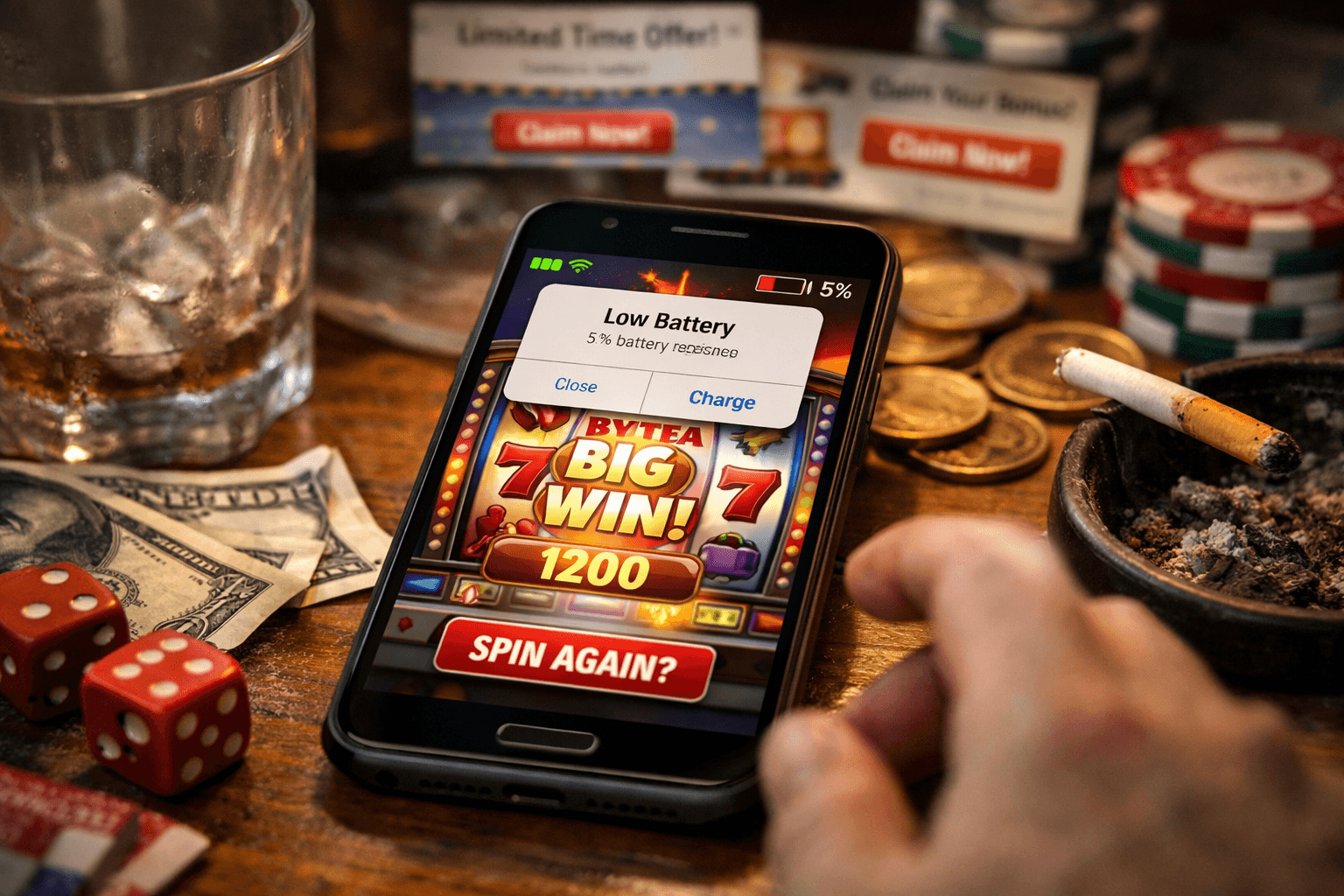
The real problems: lag, battery drain, pop-ups, and “just one more spin” chaos
Here’s what I see constantly—both when I’m testing casinos and when readers message me screenshots of “what just happened?” moments.
- Lag and stutter right when the reels animate (often caused by weak signal, overloaded browser tabs, or aggressive site scripts).
- Battery drain + heat on phones (bright screens + animations + background apps = your phone quietly cooking itself).
- Auto-brightness doing weird things mid-session (sudden dimming at the worst moment is a real thing).
- Browser crashes / reloads that kick you out right after a bonus triggers (nothing kills trust faster).
- Noisy pop-ups and sticky promos that cover buttons or push you toward “bonus buys” and higher stakes.
- Notification ambush: calls, texts, push alerts, “low battery” warnings—each one pulls you out of the moment.
- The mental trap: “just one more spin” is easier when you’re already distracted and not tracking time.
And yes—some of this is device-related, but a lot of it is platform design. Many casinos in 2026 are built to keep you clicking, not to keep you calm.
Promise solution
I’m going to show you the exact way I set up phone vs. PC so the session feels clean:
- Stable performance (no weird stutters, no surprise reloads)
- Fewer interruptions (so I’m not spinning while answering a message)
- Less stimulation (because constant pings + flashing UI is fuel for bad decisions)
- Better security habits without turning it into a weekend tech project
It’s basically a “smooth sessions” routine that takes a minute or two—then I can actually enjoy the game without my device fighting me.
What “smooth” actually means for crypto slots (so we’re not guessing)
When I say smooth, I’m not talking about “it loads eventually.” I mean playing online slots with low volatility:
- Stable animations (reels don’t jitter, no delayed symbol drops)
- Fast loading (game opens quickly and doesn’t hang on the splash screen)
- Wallet connection is quick and predictable (no repeated prompts, no “try again” loops)
- No random reloads when you switch apps for two seconds (mobile) or open one extra tab (desktop)
- Clean audio behavior (no crackling, no sudden volume spikes, no audio continuing after you leave)
- Minimal interruptions (notifications aren’t yanking you out mid-spin)
A real smooth session feels boring in the best way: the slot does what it’s supposed to do, and you stay in charge.
This is the part people underestimate. Distraction doesn’t just “ruin the vibe”—it changes decisions.
If you get interrupted while playing fast spins, turbo mode, or anything with quick bonus prompts, you’re way more likely to:
- mis-tap a bet size (mobile is famous for this)
- rush a decision after you come back (“let me just spin a few to catch up”)
- forget your limit because you’re half in the game, half in your notifications
- chase losses because your brain wants a quick “reset win” after an annoying interruption
There’s also a real cognitive cost to interruptions. One well-cited line of research from the University of California, Irvine found that after interruptions, people can take a surprisingly long time to fully re-focus on the original task (often quoted around the 20+ minute range depending on the setup and type of work). Even though slots aren’t “work,” the same switching effect shows up as sloppier taps, less tracking, and more autopilot behavior. If you want to look it up, start here: Gloria Mark’s interruption research (UCI).
If you wouldn’t place a bet while someone is tugging your sleeve every 30 seconds, why do it with notifications doing the same thing?
Once I started treating distractions like a “hidden house edge,” my sessions got calmer—and I made fewer dumb mistakes.
Quick context people keep asking (2026): “What is a crypto casino?” and “What’s new?”
What’s a crypto casino? It’s an online casino where you deposit and play using crypto like BTC, ETH, USDT (and sometimes SOL, LTC, XRP, etc.). In many cases you’ll see:
- Faster deposits/withdrawals than traditional payment rails
- Different KYC rules depending on the site, and your region
- More wallet-based logins (instead of only email + card payments)
What’s new in 2026? A few trends I’m seeing again and again while testing:
- Mobile-first builds: casinos that feel “designed for the phone,” not squeezed onto it.
- More instant wallet options (connect-and-play flows are getting faster).
- Faster withdrawal UX on the front-end (even if the actual processing still depends on their policies and network conditions).
- More aggressive retention tactics: push notifications, “limited-time” promos, and UI nudges meant to keep you spinning.
That last point is exactly why distraction control matters more now than it did a few years ago. The modern crypto casino experience is optimized for speed—and speed is great… until it isn’t.
So here’s the question: if you had to pick one setup for the smoothest, lowest-drama crypto slot session—phone or PC—which one do you think actually wins in real life?
Because the answer isn’t what most people assume, and once you see the setup difference, you’ll immediately notice why your sessions have been getting hijacked.

Phone vs. PC for crypto slots: which one is smoother in real life?
When people ask me “What’s smoother for crypto slots—phone or PC?” they usually mean one thing: Which device will stop annoying me.
In my tests, both can feel buttery… and both can feel like a glitchy mess. The difference isn’t the device name. It’s what the device is forced to juggle: signal changes, heat throttling, RAM pressure, background apps, notifications, and (the big one) how easy it is to wander off mid-session.
Here’s the real-life breakdown I use when I’m checking casinos and slot lobbies.
- Stability: PC wins when your internet is consistent and your browser isn’t overloaded. Phone wins when you’re locked into one clean session with good Wi‑Fi/5G.
- Heat & throttling: Phones can get hot fast (especially on max brightness + charging + 5G). Once they throttle, animations feel “sticky.” PCs usually handle long sessions better.
- Battery & performance: Phones can go from 100% to “why am I at 23%?” surprisingly fast with live animations. PC doesn’t care.
- Screen & controls: PC reduces mis-clicks and mis-taps. Phone is comfy, but one sloppy tap near a UI edge can do damage.
- Multitasking temptation: PC is the king of “just one more tab.” Phone is the king of “just one more notification.”
If your goal is a smooth session, the best device is the one you can make boringly consistent.
Mobile (phone) wins when you set it up right: the “clean session” method
I actually like phone sessions when I can control the environment. Not “playing while half-watching TV and replying to messages,” but a clean session: one app/site, one connection, zero interruptions.
Here’s my phone checklist (the exact stuff that stops 90% of the nonsense):
- Use the casino’s mobile site or app—whichever runs lighter.Some casinos have apps that are basically a wrapped website (not always faster). I test both. If the app loads slower, heats the phone, or keeps “refreshing” when I switch screens, I go back to the browser.
- Lock in a stable connection (strong Wi‑Fi or solid 5G).Slots can look “fine” even with a weak signal… until a bonus triggers and the game desyncs or reloads. My rule: if the signal icon is lying to me (one bar that “sometimes works”), I don’t play.
- Turn on Do Not Disturb / Focus mode.This is not optional if you’re serious about smooth play. There’s also a real productivity reason: research from UC Irvine (Gloria Mark’s work on interruptions) found that after an interruption, people can take around 20+ minutes to fully regain focus. On slots, that “re-focus time” often turns into sloppy spins, chasing, and forgetting what you planned to do.
- Lock brightness.Auto-brightness sounds helpful, but in practice it causes visibility shifts at the worst times—especially if you’re playing in mixed lighting (couch + lamp, train windows, etc.). I keep it consistent so I’m not squinting or jacking brightness up and cooking the battery.
- Close battery-hungry apps + disable background refresh for social apps.This is where “smooth” is quietly won. Social apps love background activity. If you want a clean session, cut off the background noise.
- Headphones only if audio helps you stay engaged—otherwise mute.Some people stay focused with sound cues. Other people get more stimulated and start clicking faster. I’ve watched both patterns. If you notice you speed up when the music hits, mute it and play calmer.
My real sample: If I’m testing a new crypto casino on mobile, I’ll do 15 minutes with Focus mode ON and 15 minutes OFF. With Focus mode OFF, I almost always see at least one “micro-break” (message preview, vibration, banner) that pulls attention away right when the UI asks you to confirm something.
PC is smoother for longer sessions (but only if you stop browser chaos)
On desktop, the performance ceiling is usually higher. You get better cooling, consistent power, and smoother animations… until the browser turns into a junk drawer.
My PC setup for reliable spins looks like this:
- Use one “casino-only” browser profile.No coupon extensions. No random ad-injectors. No “shopping helpers.” Not because I’m paranoid—because I’ve seen extensions break pages, slow rendering, and create weird overlay bugs on casino UIs.
- Limit tabs (yes, it matters).Some slots are lightweight. Others are animation-heavy and don’t love competing for RAM/CPU with 24 tabs, Discord, and a 4K YouTube stream. If a slot feels choppy, the fastest test is: close everything except the casino tab and retest.
- If the game stutters: test hardware acceleration both ways.This surprises people. On one PC, hardware acceleration makes animations smooth. On another, it causes flicker or micro-stutter depending on drivers. I flip it, restart the browser, and compare.
- Use Ethernet when possible.Wi‑Fi is fine—until it isn’t. Ethernet reduces random ping spikes and packet loss, especially in busy homes (smart TVs, consoles, everyone streaming).
- Full-screen the game to reduce temptation.This is “psychology as a setting.” The fewer visual cues you have to multitask, the less you multitask. Stanford research on multitasking has shown heavy multitaskers tend to perform worse at filtering distractions. Full-screen is basically me removing the filter test entirely.
If you’re the type who opens new tabs mid-spin, PC can become the least smooth option. Not because the PC can’t handle it—because you keep feeding it chaos.
Biggest distraction triggers (and how I block them on each device)
Distractions aren’t just annoying. They change behavior. A tiny interruption can push you into:
- mis-taps / mis-clicks (especially on small mobile buttons)
- auto-spinning longer than planned
- rushing a decision after you “come back”
- forgetting your time limit or stop-loss rule
Here’s what actually works for me:
On phone
- Focus mode / Do Not Disturb (allow calls only from favorites if you need emergency access)
- Disable lock-screen previews so you don’t get “just curious” message teasers
- No vibration (vibration is basically a physical notification that steals attention)
On PC
- Full-screen the slot (removes visual “exit ramps”)
- Website blockers for social platforms during play (the ones you personally relapse into)
- Silence desktop notifications (Slack, email, Windows notifications—everything)
Bonus that beats both devices: before I spin, I write one simple session rule on a sticky note / text file:
- Time limit (example: “20 minutes”)
- Stop-loss (example: “0.0002 BTC” or “$40 USDT”)
It’s basic, but it works because it’s visible. And when you feel that “one more spin” itch, your brain has to argue with something concrete.
Wallet connections and safety: smooth doesn’t mean risky
I like fast wallet connections as much as anyone—but speed is where people get sloppy. Here’s how I keep things smooth without turning it into a security nightmare:
- Prefer reputable wallets and avoid random “helper” extensions.If a casino, a pop-up, or a fake “support” chat nudges you to install something you’ve never heard of, that’s a hard no.
- Use a separate hot wallet for gambling balances.I keep my “session wallet” funded with what I’m willing to lose. My main holdings stay out of the blast radius.
- Double-check URLs (mobile is where mis-taps happen).On phone, it’s easy to land on a lookalike domain from an ad, a redirect, or a typo. I bookmark the real site and I use the bookmark, not search results.
- Never store seed phrases in Notes or screenshots.This is one of those “everyone knows” rules that people still break. If your phone auto-uploads photos to the cloud, a screenshot of a seed phrase can become a permanent mistake.
- Log out and clear session data on shared devices.Especially on a family PC or a tablet. “I’ll remember later” is how accounts get accessed later.
Mini FAQ: “What is the new crypto casino in 2026?”
I get this question constantly, and here’s my honest answer: “New” doesn’t automatically mean “better.”
When I hear “new crypto casino,” I translate it into a few practical categories:
- Fresh brand: new name, new design, big promos… but might be running on a familiar platform behind the scenes.
- New UX/product features: better mobile flow, faster wallet connect, cleaner cashier, more instant withdrawals.
What I check before I trust “new”:
- Operator details (real, verifiable, not just a badge)
- Terms on withdrawals and bonuses (especially max cashout rules)
- Real user reports about withdrawals and support
- How aggressive retention tactics are (spammy notifications and “come back now” popups are a red flag for focus)
I use lists like these as a starting map, then I verify the boring stuff myself (terms, cashier behavior, withdrawal feedback). That’s where “new” gets exposed fast.
Now, here’s the question that decides everything: if you had to pick one device for the next 7 days—phone or PC—which one would you actually be able to keep distraction-free?
Because in the next section, I’m going to give you my copy/paste “smooth sessions” checklist you can use in under a minute before you play—and it will make that choice ridiculously easy.
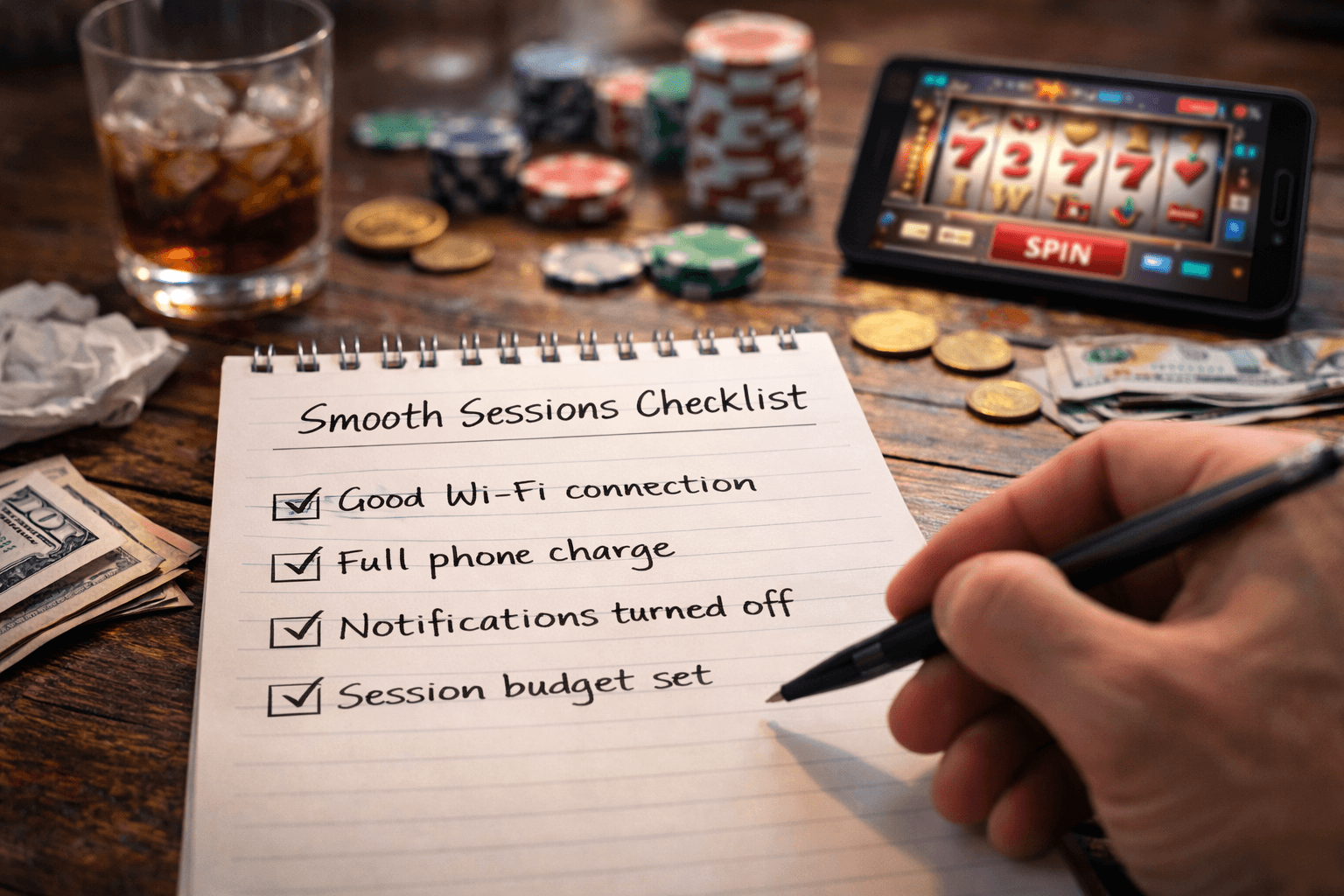
My “smooth sessions” checklist (copy/paste before you play)
I keep this as a quick pre-flight list. It takes about 60 seconds, and it saves me from the two things that usually ruin a slot session: random interruptions and avoidable friction (reloads, wallet hiccups, lag, “why is this slow today?”).
One reason I’m so strict about this: interruptions aren’t “free.” A well-cited attention study from UC Irvine (Gloria Mark’s research on interruptions) found it can take around 20+ minutes to fully regain focus after getting derailed. That’s not a morality speech—just a practical reminder that one “quick notification” can flip your whole mood and decision-making.
PHONE – 60-second smooth session checklist
- Connection: Wi‑Fi with strong signal or solid 5G. If I’m on “two bars,” I don’t start.
- Do Not Disturb: ON (calls from favorites only, if needed). No lock-screen previews.
- Sound: I pick one: headphones or mute. I avoid “half volume + notifications,” because it’s the worst of both worlds.
- Brightness: Lock it (no auto swings). I want the reels and bonus prompts to look the same spin-to-spin.
- Background apps: Close socials + video apps. If my phone runs hot, I remove the case for the session.
- Wallet step: Use my gambling hot wallet only. Confirm I’m on the correct domain before connecting.
- Session rule (write it first): time limit + stop-loss + “leave-if-up” number.
PC – 60-second smooth session checklist
- Connection: Ethernet if I can. If not, I make sure nobody’s saturating Wi‑Fi with uploads/streams.
- Clean browser window: my casino-only profile (no random extensions). One casino tab. One game tab.
- Notifications: Focus Assist / Do Not Disturb ON. Desktop pop-ups are silent.
- Full screen: I run the slot full-screen so I’m not “just checking one thing” every 30 seconds.
- Wallet step: I connect, confirm the request, then I’m done. I never approve mystery permissions mid-session.
- Session rule (visible): I keep it on a sticky note or a notepad window: time + stop-loss + cashout point.
Real example: if I’m doing a quick session, I’ll literally write: “20 minutes. Stop-loss: 50 USDT. If I hit +40 USDT, I cash out and walk.” Not because I’m trying to be heroic—because it stops the classic “one more spin” loop from quietly taking over.
Also worth knowing: research has found that even ignored notifications can mess with performance and attention (see work like Stothart et al., 2015 on notification effects). That matches what I see in real play—my worst sessions almost always start with “I’ll just leave my phone on, in case someone texts.”
If you want to skim the research angle, start here: Mark et al. (UC Irvine) on interruptions and attention.
Best choice by situation: when I personally pick phone vs. PC
I don’t treat this like a religious war. I pick the device that best matches the session I’m trying to have.
- I pick my phone when:
- I want a quick, low-stakes session (a few bonuses max).
- I’m traveling, waiting around, or playing from the couch.
- I’m committing to one game only and I want a clean, simple setup.
- I know I can realistically stay on Do Not Disturb the whole time.
- I pick my PC when:
- I’m doing a longer session and want comfort (chair, bigger screen, less eye strain).
- I want fewer mis-taps (small buttons + phone screens can be a perfect storm).
- I’m testing multiple games (but still in a controlled way—one at a time, not 18 tabs).
- I want my session rules visible next to the game without constantly switching apps.
My honest rule: if I’m even slightly distracted or emotionally “wired,” I don’t start on mobile. Phone sessions are great… until they aren’t, and then they fall apart fast.
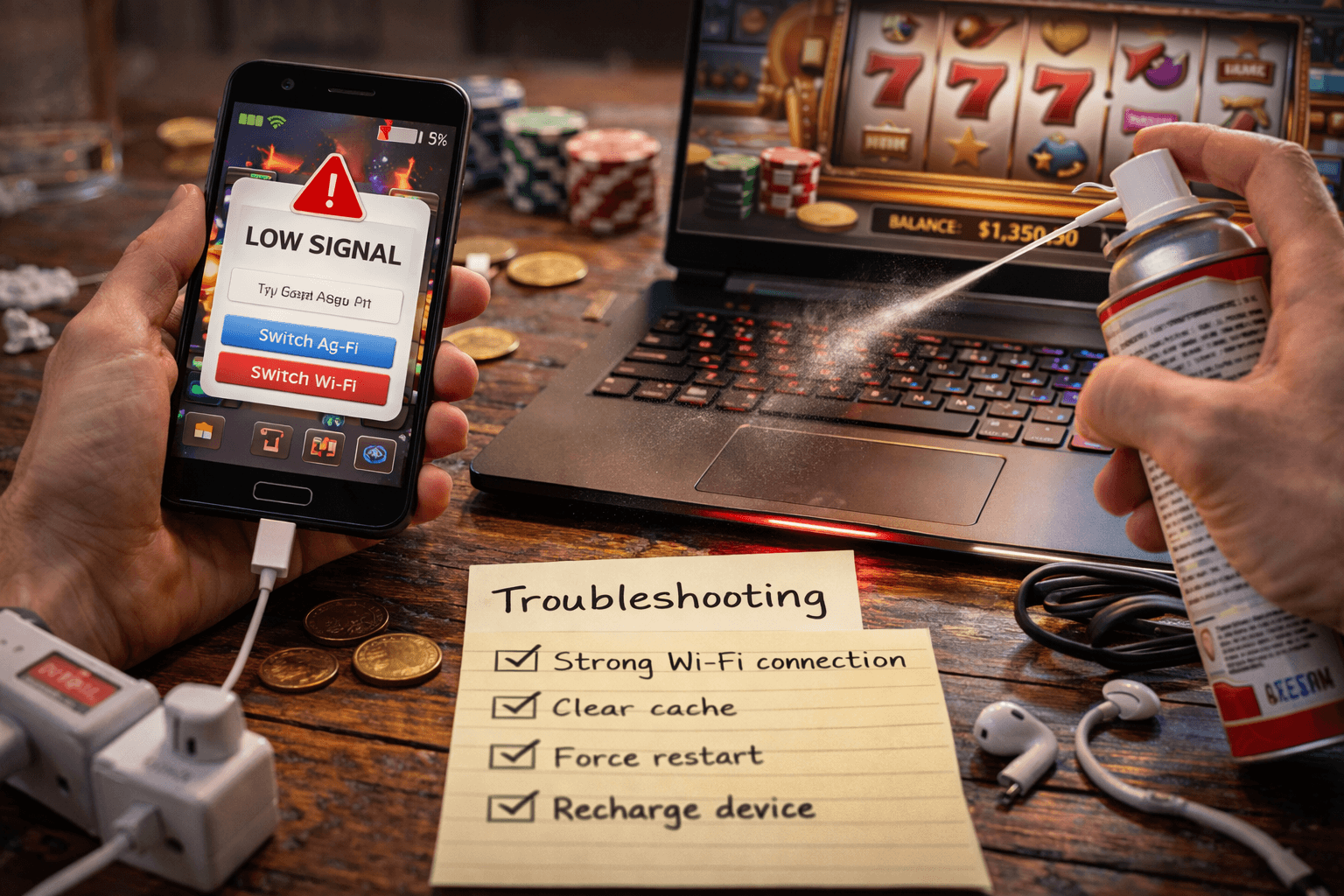
Troubleshooting quick fixes (the stuff that solves 80% of issues)
When a slot gets choppy, most people blame the casino first. Sometimes that’s fair, but in my testing, basic fixes solve the majority of “this feels broken” moments.
- Switch networks: Wi‑Fi → 5G or 5G → Wi‑Fi. If latency is spiking, a different route can instantly smooth it out.
- Restart the browser/app: not glamorous, but it clears weird memory states and stuck audio.
- Clear site cache for that casino: especially if a game keeps reloading or showing missing assets.
- Try a different browser: if one browser stutters, another often runs the same slot clean.
- Close background apps: particularly video, social feeds, or anything syncing files/photos.
- Check temperature: if your phone is warm, performance throttling can kick in. Move to a cooler room, remove the case, or take a 5-minute break.
- Update OS/browser: boring, but stability patches matter for WebGL-heavy slot games.
- Avoid Low Power Mode: some devices throttle animations and background processes hard enough to cause stutter and delayed taps.
- If the game keeps freezing: don’t rage-click. Pause, reload once, and verify your last bet state before spinning again.
Quick sanity check I use: if the lobby loads fast but the game doesn’t, it’s often the game engine struggling (or my device). If everything loads slow, it’s usually connection or DNS.
My wrap: smooth sessions are mostly environment control
After all the testing and all the gear tweaks, the biggest difference-maker is still simple: control your environment. Stable connection. Notifications off. Clean wallet habits. And one session rule you actually follow.
If you want an easy way to make this real, here’s what I recommend: pick one setup (phone or PC), run it for a week, and keep notes on two things—how often you got interrupted and how often you played longer than you planned.
Keep the setup that feels calmer. The “best” device is the one that lets you play like you intended—without your session getting hijacked by noise.